

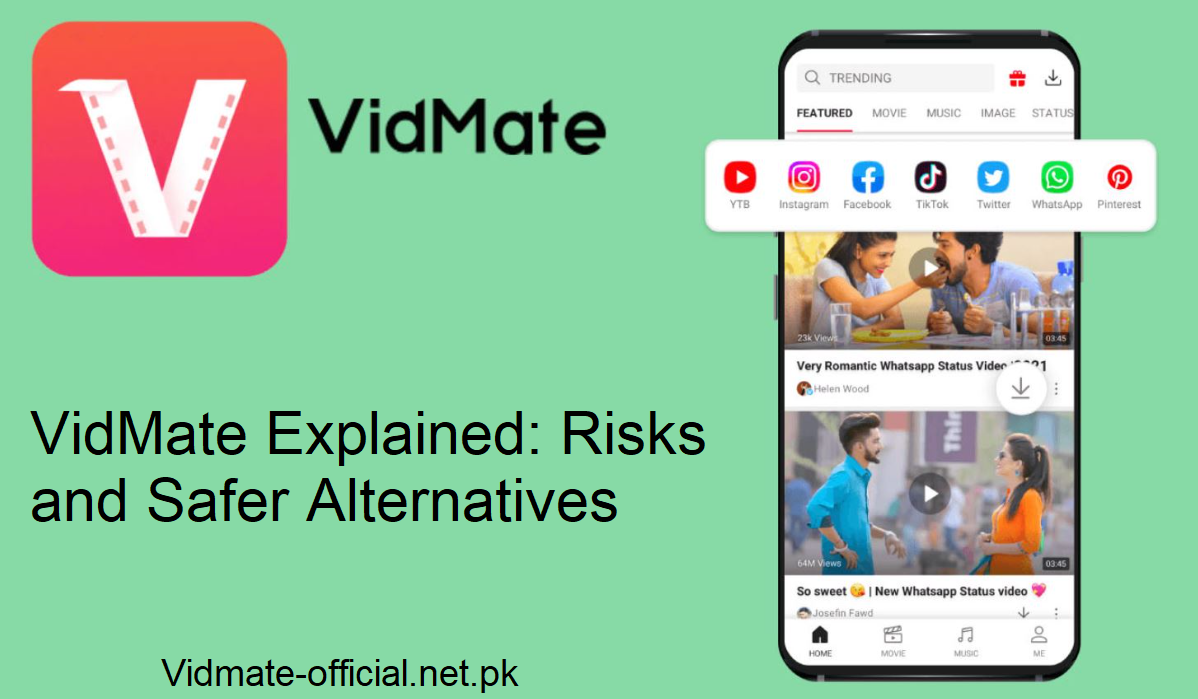
VidMate is an Android application that assists you in downloading videos from YouTube and Facebook. You can’t find it on the Google Play Store since Google does not welcome YouTube video download apps.
All authentic Android apps on the Play Store are required to honor YouTube’s policy, which prohibits downloading videos. VidMate bypasses those restrictions, so it can’t exist on the Play Store.
How VidMate Operates
- You install VidMate by downloading its APK (the file package for Android) from its official website or safe sources.
- Once installed, you can copy-paste video URLs from YouTube, Facebook, and a few other websites, and VidMate retrieves the file to download.
- It has multi-resolution support. You choose quality, and then it downloads.
- Since it works outside of Google’s rules, it must handle monetization and features differently.
Is VidMate Safe
Short answer: Not completely safe.
Here’s why it is risky:
Unauthorized app installations
VidMate can install other applications automatically without explicit prompts. That would result in data consumption and fill your phone with unnecessary apps.
Privacy leakage
VidMate could pick up personal data, contacts, device information, and usage habits, and leak them. The monetization model for the app partially depends on such data.
Ad network and revenue
VidMate does not employ Google’s AdMob platform, as that would contradict YouTube’s terms of service. Other advertisement sources are employed by it, which might be less controlled and more intrusive.
Why Don’t You Get It in the Play Store?
Google’s policies prohibit video download capabilities on YouTube. All Play Store applications have to comply with YouTube’s terms, which prohibit saving videos offline (other than through YouTube’s own methods). VidMate does not do that. Since it is a policy violation, it is excluded from being listed on the Play Store. That is the primary reason. Other technical and policy reasons exist, but that one is paramount.
Viruses and Safe Downloading
Most are afraid VidMate will contain viruses. That’s greater if you’re using random download sites. Here’s the way to minimize risk:
- Download the APK from VidMate’s site only.
- Steer clear of obscure third-party sites with dubious reputations.
- Antivirus-scan the APK before installing.
- Restrict the permissions you grant the app. Don’t allow too much access unless necessary.
- If you adhere to those precautions, you minimize, but by no means eliminate, the risk.
Updates: Why They Matter
Regular updates make VidMate safer:
- Fixes for bugs eliminate vulnerabilities.
- Later versions could strengthen privacy or plug exploits.
- Updates can also eliminate malfunctioning or unsafe ad modules.
- Every time you notice an updated version, tap to update. Don’t avoid updates.
Final Thoughts
VidMate provides an intimidating capability: video downloading from sites that normally prohibit it. But it’s risky, there is potential for privacy leaks, unsanctioned app installation, and potential security threats.
Use it only if you comprehend and tolerate those risks. In brief: VidMate is an app. It is as safe as you make it, how carefully you utilize it, from where you download it, and how you secure your device.