

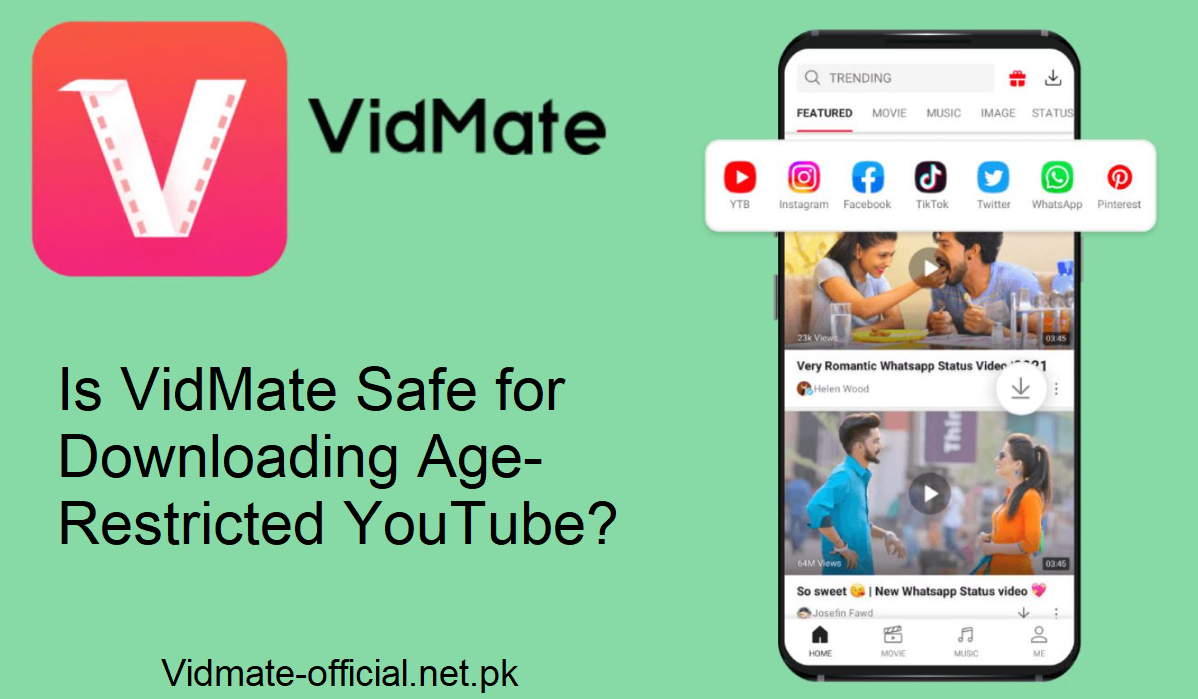
VidMate has gained popularity as a powerful app that lets users download videos from multiple platforms, including YouTube. But most users hit a wall when dealing with age-restricted YouTube content, those videos that YouTube locks behind the “sign in and confirm age” barrier.
What Are Age-Restricted YouTube Videos?
Some YouTube videos have mature content, violence, strong language, and adult themes. To help keep minors safe, YouTube places these videos behind an age gate. You are required to sign in and establish that you are 18+. Such restrictions also prevent many third-party downloaders from accessing them. That’s why many users are interested in VidMate as a way out.
How VidMate Tricks the Restriction
VidMate doesn’t utilize the official YouTube API. Rather, it reads the video page in its backend, searches for the direct links of the video file, and presents them to you for download. Since it avoids the “age check” page, it occasionally downloads these videos without requiring you to log in.
From your end, the process is easy:
- Copy the URL of the age-restricted YouTube video.
- Open VidMate on your Android phone.
- Copy and paste the link into VidMate’s search bar.
- Wait for it to process.
- Select a resolution (480p, 720p, 1080p, etc.).
- Click “Download.”
Why Many Users Prefer VidMate for Age-Restricted Videos
Some of the reasons users prefer VidMate compared to other downloaders:
It supports high resolutions, including up to 4K.
- It doesn’t ask you to sign in to your YouTube account.
- It bypasses age verification by taking the raw media link.
- It is compatible with most Android phones.
- It supports background downloads and speed using smart download engines.
These attributes make it a first choice when you need private access to blocked content.
Is It Legal (or Safe) to Download Age-Restricted Videos?
This is a gray area. Downloading videos from YouTube using third-party applications such as VidMate goes against YouTube’s Terms of Service. Numerous legal professionals highlight this.
However, merely using it for personal offline viewing is less likely to attract legal attention. The actual risks occur should you share, republish, or profit from the content. Always adhere to content in which you own rights or which is free/open license.
Is VidMate Safe for Kids?
Due to age-gated content and the dangers listed, VidMate is not suitable for children. Its capability to go around YouTube’s age checks implies that children might get access to mature content. Also, owing to possible concealed behavior or permission misuse, parents need to be careful.
If you have to permit restricted content:
- Apply a controlled environment (parental control).
- Apply device settings to block apps or permissions.
- Keep an eye on downloads.
Final Thoughts & Tips
VidMate is strong. It tends to bypass YouTube’s age gates and allows you to download videos that official applications deny you. But power is a double-edged sword.
Years, only use it for content that you are allowed to view or download. Never publish or share age-restricted content that is not yours. And always keep your device safe: use official versions, update them, scan for viruses, and use your wits when granting permissions.